What an AI check-in kiosk does
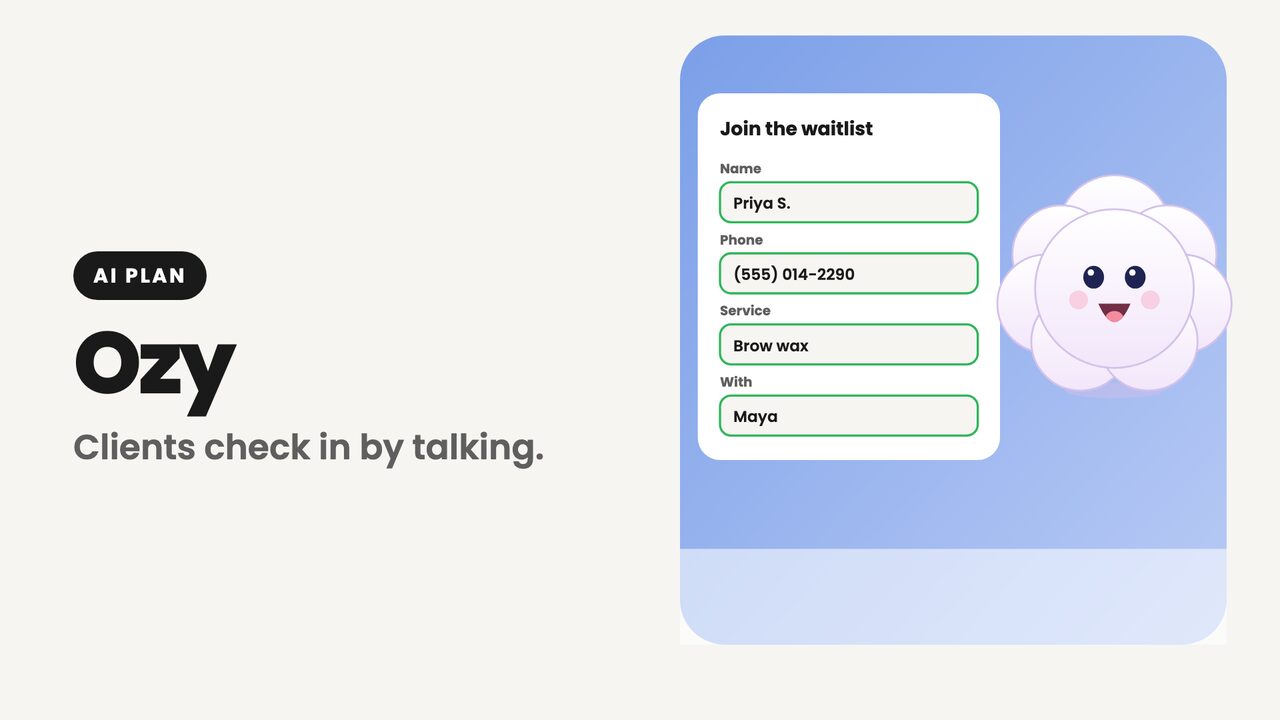
A check-in kiosk saves your front desk from the clipboard: clients sign themselves in, pick a service and a stylist, and join the waitlist. An AI check-in kiosk adds a voice. Instead of typing, the client talks, and the assistant fills in the form for them.
Ozy is not a separate app or a phone menu. It works on top of your existing Ozync kiosk form, with your services, your staff and your check-in questions, so what a client says lands in the same fields and the same waitlist as a typed check-in.
How a voice check-in works
- 1The client taps Talk to Ozy on the kiosk's join form. The microphone only opens on that tap.
- 2Ozy greets them and asks for their name, then their phone number, reading the digits back to confirm.
- 3It asks what service they're here for and who they'd like to see, from your own service and staff lists, then asks your check-in questions.
- 4Ozy reads the details back. When the client agrees, it taps Check In on the form itself.
- 5If one of your waivers applies, it opens on screen and Ozy asks the client to read and sign it. Ozy never signs for anyone.
- 6Clients who already have an appointment can say so, and Ozy opens the appointment check-in screen.
What Ozy fills in
- Name, phone number and, if your form asks for it, email.
- Services, chosen from the menu you keep in Ozync.
- The stylist or team member they want, when your kiosk lets clients choose.
- Answers to your check-in questions, such as a skin sensitivity or how they heard about you.
- Everything stays visible on the form as it fills, so the client can see it and fix anything by tapping.
Built so it's never left running
A microphone in a busy salon needs limits. Ozy only listens after someone taps it, and it stops on its own.
- After 15 seconds of silence it asks if the client is still there, and after 25 it ends.
- Every session ends within 3 minutes, with a wrap-up a little before.
- It also ends when the form is submitted, closed or cancelled, or the kiosk goes back to its home screen.
- No recording and no transcript are kept. Only the start and end of each session are logged, to count minutes.
- It always says it is an AI assistant if asked, and it never guesses: if it can't make something out, it asks again.
Languages
Ozy speaks the language the kiosk is set to: English, Spanish or Vietnamese, the same languages as the kiosk's language picker. If a client clearly speaks another of those to it, it follows them. That makes it useful in exactly the salons where a typed form is hardest, like nail salons and threading studios with many first-language Spanish or Vietnamese clients.
Where it runs
Ozy runs on the Ozync kiosk on iPad, on Android tablets, and on the web kiosk in a browser. Use any tablet with a microphone; a stand near the entrance and a quiet corner help. Turn it on under AI › Ozy in your account, or Kiosk › Join Form. The same switch is in both places.
Pricing
The check-in kiosk itself is part of every Ozync plan, including Pro at $19.99 a month. Ozy, the voice assistant, comes with Pro + Marketing + AI: $99.99 a month or $999.99 a year per location, in the US and Canada. Kiosk sessions draw from the same 250 AI minutes a month as the AI Receptionist.
Voice kiosk vs. typed kiosk
| Feature | Ozync kiosk with Ozy | Typed-only check-in kiosk |
|---|---|---|
| Clients can check in by talking | Yes, tap Talk to Ozy | No |
| Fills services, stylist and check-in questions | Yes, from your own lists | The client types or taps each one |
| Spanish and Vietnamese | Spoken and on screen | On screen, if offered |
| Waivers | Opened on screen, signed by the client | Signed by the client |
| Works when the client prefers to type | Yes, the form is always there | Yes |