
What is on the pass
- Visits: a running count, or '3 of 6 visits' when loyalty rewards are on, so clients see how close the next reward is.
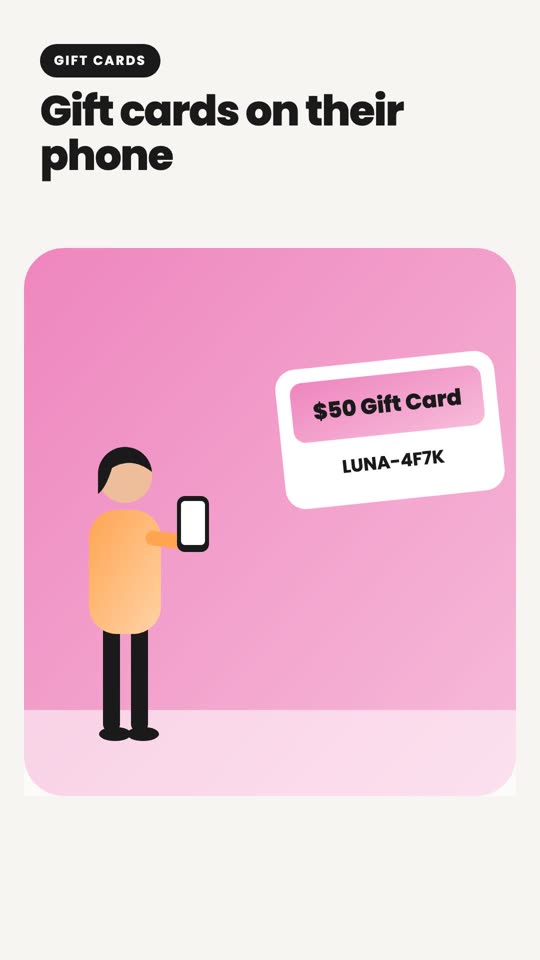
- Gift balance: every gift card, credit and coupon attached to the client, added up. Issue a card at the counter and the pass updates before they reach the door.
- Next appointment: date and time, refreshed when they book, reschedule or cancel.
- Your links: Book, Call, your website and your social profiles. On iPhone, Book and Call show as buttons under the pass.
- Your look: logo, your colour, and a cover image you upload. Chains get one pass that covers every location.
How clients get it
- 1Switch the pass on (it is on by default for paid plans) and set your colour and cover on the Wallet Pass page.
- 2An Add to Wallet button appears on the page clients see after they join the waitlist or book, so most add it themselves on their first visit.
- 3Or send it: pick a client on the Wallet Pass page and they get an email with the button. No email on file? You get the link to share.
- 4The pass is matched to the client by phone number, the same number they check in with, so gift cards and visits land on the right pass without any setup.
Wallet notifications
With the Marketing add-on, the Wallet Pass page gains a message box. Type a line, 'Open till 8 tonight, walk-ins welcome' or 'Gift cards 20% off this week', and send it to every client who holds your pass. It arrives as a wallet notification on their phone and stays on the back of the pass. One a day, eight a month, so it stays something clients want to see.
No app, no push permission prompt, no SMS cost. Apple and Google deliver it because the client chose to carry your pass.
Loyalty without the punch card
Turn on Loyalty rewards and set 'every N visits, a reward of X'. A visit counts once per day when the client is marked served. On the Nth visit the reward is issued as credit automatically, shows on the pass, and the count starts over. Clients redeem it at checkout like a gift card.
Near your salon
The pass carries your address, so iPhone and Android show it on the lock screen when the client is nearby. Walking past your door with your salon's pass lighting up is the kind of reminder no text can match.